Introduction
In today’s digital marketplace, your website is often the first interaction potential customers have with your brand. A strong online presence builds trust, improves engagement, and helps drive conversions. However, changing trends, evolving technology, and shifting customer expectations can quickly make a site feel outdated. A professional website redesign can help businesses stay competitive while improving user experience and search visibility.
Meet Sarah: A Business Owner’s Struggle
Sarah, a small business owner, launched her company website several years ago and initially saw strong traffic and steady sales. Over time, though, she noticed declining engagement and fewer conversions. After reviewing analytics and customer feedback, she realized her outdated layout and slow performance were hurting her business. Investing in a website redesign helped modernize her brand, improve navigation, and increase leads.
The Importance of a Website in Today’s Market
Your website acts as your digital storefront. Customers expect fast load times, mobile-friendly browsing, and easy navigation. A strategic website redesign can strengthen your credibility, improve SEO performance, and encourage visitors to stay on your site longer. Businesses that regularly update their websites are more likely to outperform competitors online.
Sign 1: Low Conversion Rates
Understanding the Metrics
If your site receives traffic but fails to generate inquiries, purchases, or sign-ups, it may be time for a website redesign. Tools like Google Analytics can help identify weak-performing pages, poor calls-to-action, or confusing layouts that prevent conversions.
Steps to Improve Conversions
Review landing pages carefully and test different headlines, visuals, and CTAs through A/B testing. Simplifying forms and streamlining checkout experiences can also improve conversion rates and user satisfaction.
Sign 2: Slow Loading Times
Impact on User Experience
Modern users expect websites to load instantly. Slow websites frustrate visitors and often lead to high bounce rates. Even a delay of a few seconds can negatively impact rankings and sales.
How to Optimize Loading Speed
Compress images, reduce unnecessary code, and use a content delivery network (CDN) to improve performance. Faster websites create a smoother browsing experience and support stronger SEO results.
Sign 3: Outdated Design
Why First Impressions Matter
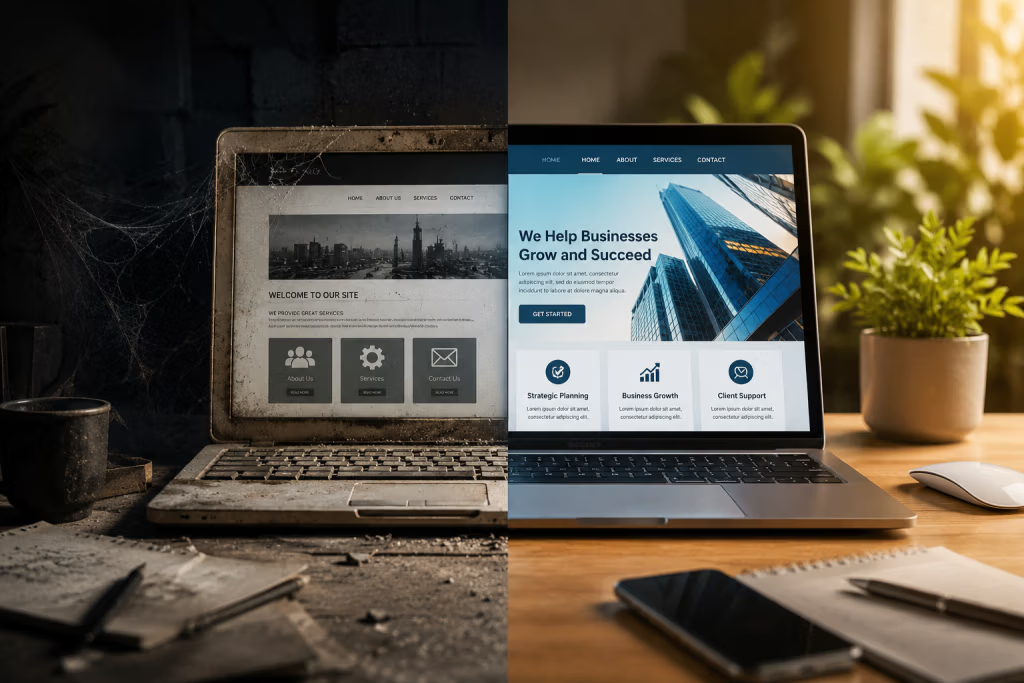
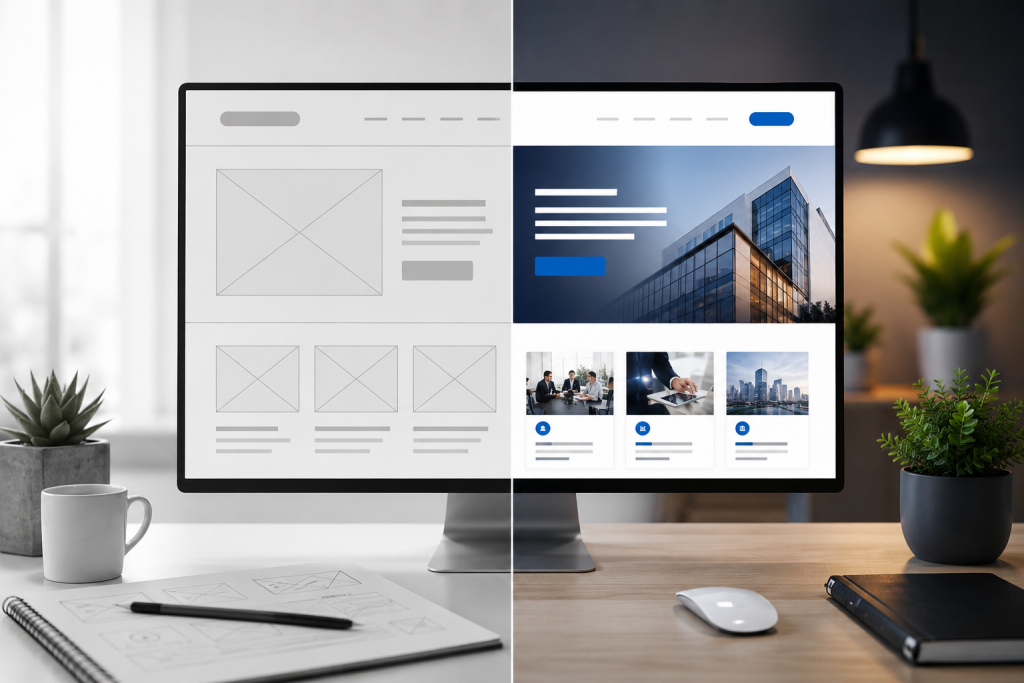
An outdated website can make your business appear unprofessional or behind the times. A modern website redesign improves visual appeal while helping customers trust your brand.
Elements of a Modern Website Design
Today’s websites should include clean layouts, responsive designs, consistent branding, and engaging visuals. Businesses focusing on website design and redesign often see stronger customer engagement and improved usability.
Sign 4: Confusing Navigation
Importance of User-Friendly Navigation
Visitors should be able to find information quickly and easily. Confusing menus and cluttered page structures often lead users to leave before taking action.
Tips to Streamline Navigation
Organize pages into clear categories, simplify menu labels, and add search functionality to improve accessibility. Breadcrumb navigation can also help visitors understand where they are within your site.
Sign 5: Not Mobile-Friendly
The Rise of Mobile Users
With mobile traffic continuing to grow, having a responsive website is no longer optional. A mobile-focused website redesign ensures visitors can browse your site seamlessly across all devices.
Essential Steps for Mobile Optimization
Use responsive layouts, optimize images for smaller screens, and make buttons easy to tap. Testing your site on multiple devices helps identify issues that impact usability.
Sign 6: High Bounce Rates
Analyzing User Behavior
High bounce rates often indicate visitors are not finding the content or experience they expected. Poor design, irrelevant information, or difficult navigation can all contribute to this issue.
Strategies to Reduce Bounce Rates
Create engaging content, improve readability, and add internal links to guide visitors toward additional pages. Multimedia content can also help keep users engaged longer.
Sign 7: Lack of Fresh Content
The Role of Content in Engagement
Fresh, relevant content improves user trust and helps search engines recognize your website as active and valuable. Outdated content can damage rankings and reduce engagement.
How to Keep Your Content Updated
Use a content calendar to consistently publish blog posts, industry updates, case studies, and testimonials. Regular updates encourage repeat visitors and strengthen SEO performance.
Sign 8: Poor SEO Performance
Understanding SEO Basics
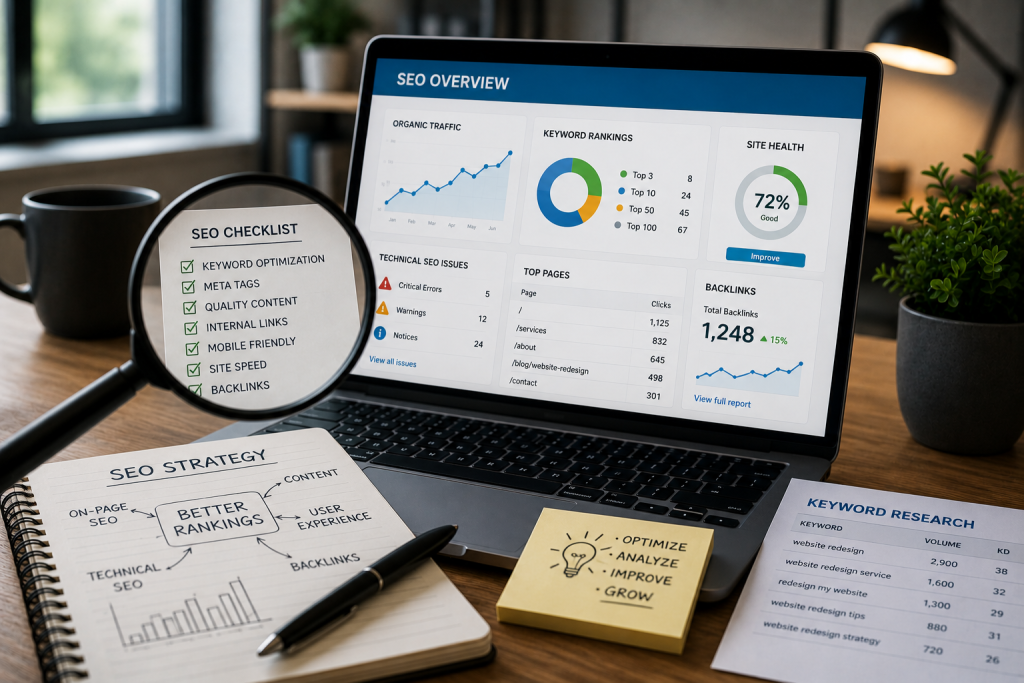
If your website struggles to rank on search engines, it may be time for a website redesign that focuses on technical SEO, content structure, and user experience improvements.
Key SEO Improvements to Implement
Optimize title tags, meta descriptions, image alt text, and keyword placement. A clear website redesign strategy should also include faster load speeds, mobile responsiveness, and improved site architecture.
Sign 9: Ineffective Call-to-Actions (CTAs)
What Makes a Good CTA?
Strong CTAs encourage users to take action. Vague or poorly designed buttons can reduce conversions and confuse visitors.
How to Design Compelling CTAs
Use action-focused phrases like “Get Started Today” or “Request Your Free Quote.” Test different button colors, placements, and wording to identify what works best.
Sign 10: Negative User Feedback
Listening to Your Audience
Customer feedback provides valuable insights into how users experience your site. Consistent complaints about design, speed, or usability should never be ignored.
Addressing Customer Concerns
Monitor reviews, surveys, and social media comments regularly. Making updates based on customer feedback can improve trust and strengthen long-term loyalty.
Conclusion
Recap of the 10 Signs
Recognizing the warning signs early can help businesses stay competitive online. From slow load times to poor SEO and outdated layouts, a timely website redesign can significantly improve performance and customer engagement.
Next Steps for a Successful Website Redesign
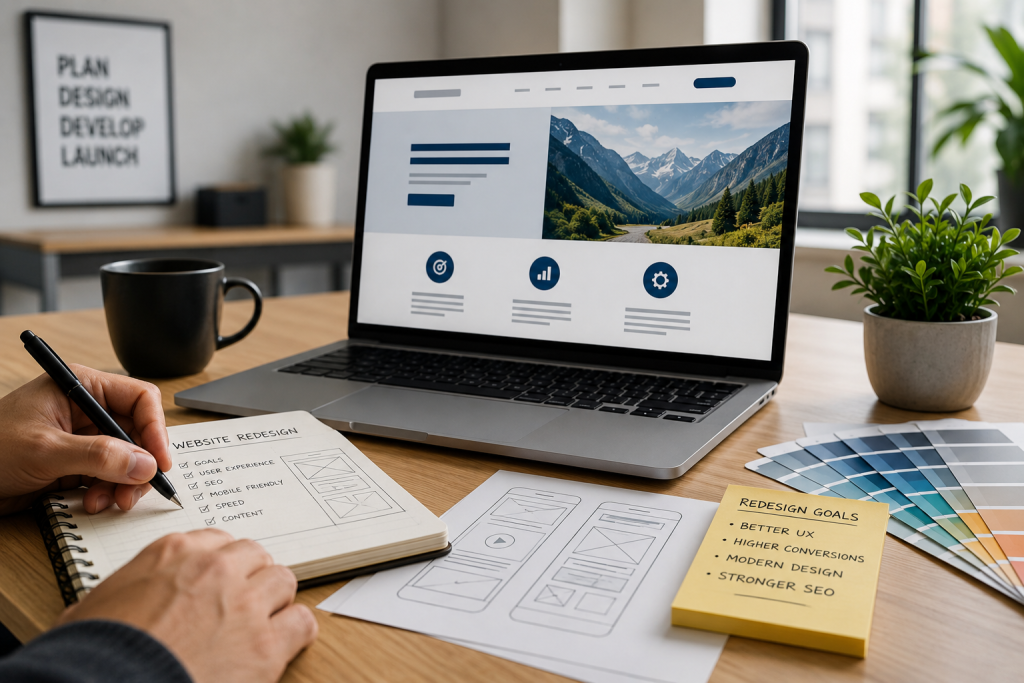
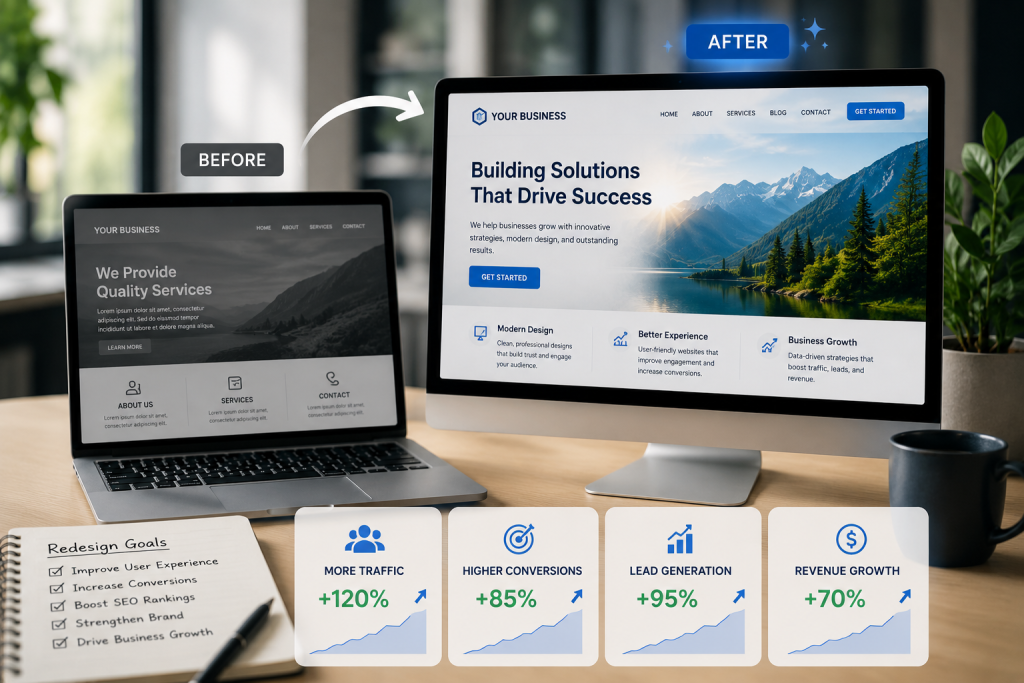
Before starting your project, define clear website redesign goals and identify the results you want to achieve. Many business owners search online for answers to questions like what is website redesign or even “redesign my website” when they realize their site no longer supports business growth. Understanding why website redesign matters can help you create a more effective digital presence.
Encouragement for Business Owners
Your website should evolve alongside your business. If you’ve recently thought, “redesign my website,” now may be the right time to invest in updates that improve usability, strengthen branding, and support long-term growth.
How do I redesign my website?
Define your goals and target audience.
Conduct a website audit to identify issues.
Create a sitemap for better structure.
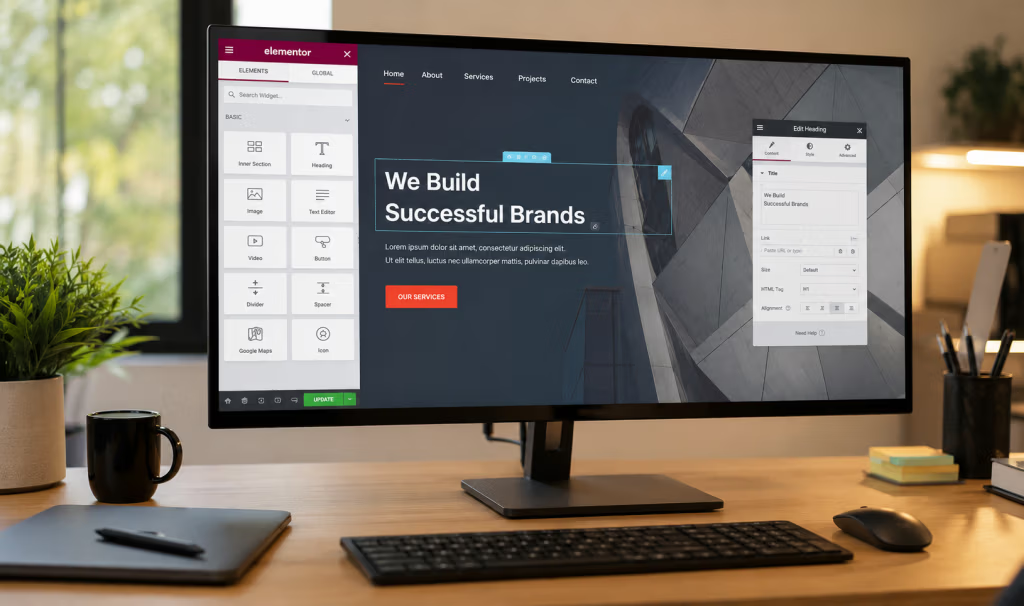
Choose a modern, responsive design template.
Optimize navigation for user experience.
Focus on mobile-first design principles.
Use high-quality images and graphics.
Improve page load speed with optimized assets.
Integrate SEO best practices throughout.
Test usability with real users.
Implement analytics to track performance.
Launch and continuously update based on feedback.
What is the difference between rebranding and redesign?
Rebranding involves changing the brand’s identity, including its name, logo, messaging, and overall perception to create a new image in the minds of consumers. Redesign focuses on changing the visual elements of a product, service, or website to improve aesthetics and functionality without altering the brand’s core identity.
How do I go back to an old version of a website?
To revert to an old version of a website, follow these steps:
Access your website’s hosting control panel or dashboard (like cPanel).
Navigate to the File Manager or Backup section.
Look for backups stored by your hosting provider or a backup plugin.
Select the desired backup date/version.
Restore the backup by following the provided instructions or wizard.
Verify the restoration by checking your website.
If using a CMS like WordPress, consider using a revision tool or plugin to revert specific pages or posts.
What is the purpose of website redesign?
The purpose of website redesign is to improve user experience, enhance visual appeal, update content and functionality, optimize for mobile devices, improve search engine rankings, and better align with current branding and marketing goals.